SIM Swap Attacks: How They Work and How to Protect Yourself
How criminals hijack a phone number to intercept your codes, and the carrier PIN and authentication changes that take away their leverage.
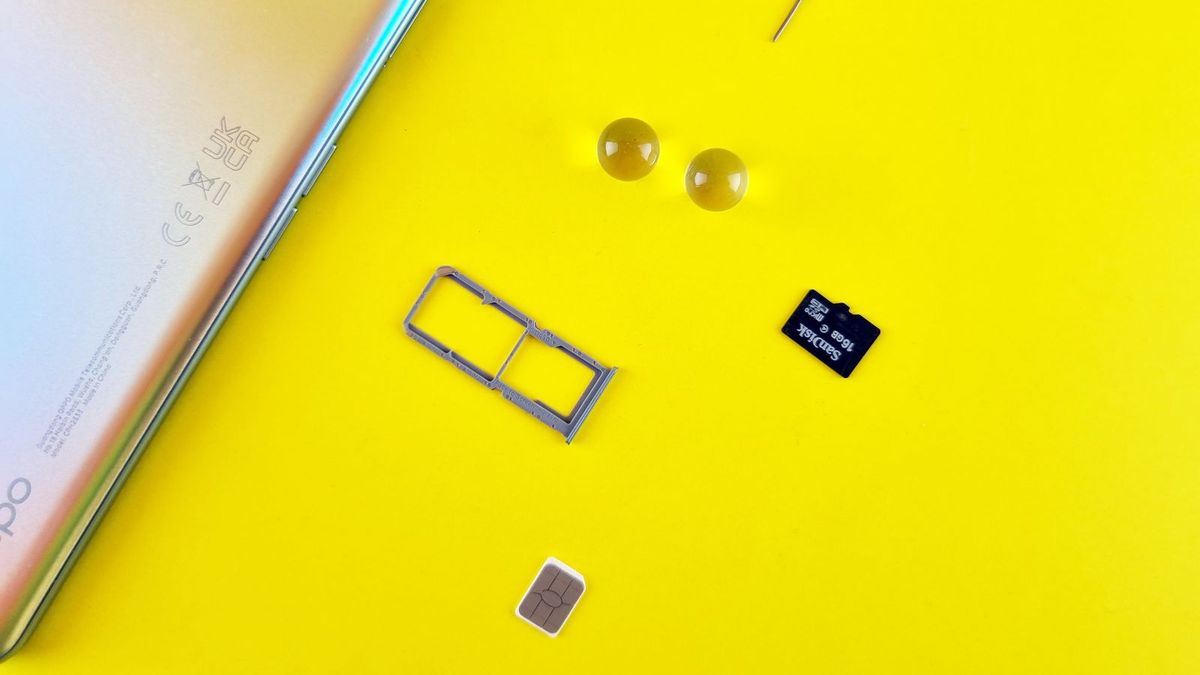
Your phone number has quietly become one of the keys to your digital life. Banks, payment services, email providers, and social networks use text messages to verify your identity when you sign in, reset a password, or change account settings. If a criminal can persuade your mobile carrier to move your number to a phone they control, they do not need your phone or your password. Your calls and texts start going to them, including the verification codes guarding your most important accounts. This is a SIM swap attack, and understanding how it works is the first step to making it fail.
The attack happens away from your device. No malware needs to infect your phone, and no password needs to be guessed. The criminal works on the carrier's side, using personal information from data breaches, social media, and phishing to impersonate you. The Federal Communications Commission describes the core trick plainly: armed with enough of a victim's personal details, a scammer tries to trick the phone company into treating a transfer request as if it came from the rightful account holder. When that works, the number lands on a device the scammer owns, and the scammer can attempt to reset logins for financial and social accounts using codes that now arrive on their phone.
How the attack works: three routes to the same number
The best-known route is the SIM swap itself. The criminal contacts the carrier, claims to be you, and says the phone was lost, stolen, or damaged, asking for service to be reassigned to a new SIM in a handset the criminal owns. If the carrier's identity checks are satisfied by information the criminal already holds, the swap goes through. Your phone loses service, often suddenly and in a place where it normally works fine, while the criminal's phone starts receiving your messages. That sudden loss of service is the most common first sign, and it deserves to be treated as an emergency rather than a network glitch.
The close cousin is port-out fraud. The criminal, posing as you, opens an account with a different carrier and arranges for your number to be transferred to it. The request starts at the gaining carrier rather than your own, but the result is identical. Legitimate porting is normal and useful, since people switch providers and keep their numbers every day, so defenses focus on proving identity before a transfer rather than blocking transfers. The third route is older and physical: stealing the removable SIM card itself and using it in another device. The FCC notes that a SIM carries a unique identifier and stores personal data, which is what makes a stolen card useful. This route needs access to the phone or card, so it is less common, but it shows the SIM is a credential, not just a piece of plastic.
Why text-message codes are the weak link
The attack works because services treat possession of a phone number as proof of identity. A password reset that sends a code by text assumes only you can read that text. After a SIM swap, that assumption is false, and the reset flow becomes the attacker's tool. The FCC's guidance makes the stakes clear: banks, businesses, and payment services routinely rely on texts to confirm identity for account changes, so control of the number can open financial accounts, not just messages.
The Cybersecurity and Infrastructure Security Agency, CISA, goes further in its Mobile Communications Best Practice Guidance. It urges readers to move away from SMS-based multi-factor authentication, advising that texts should not serve as a second factor, because texts travel unencrypted and can be read by anyone with access to a carrier's network. The guidance was written primarily for highly targeted people in senior government, military, and political roles, but CISA notes it applies to all audiences. CISA also warns about a trap: signing up for a stronger method, such as an authenticator app, does not automatically remove SMS. If text codes remain as a backup option, the attacker can simply ask for the weaker one, so check recovery settings after every upgrade and remove SMS where the service allows it.
The protection checklist
The most effective step is also the least known: set a PIN on your mobile carrier account. CISA calls this a Telco PIN, an extra passcode most providers offer that must be supplied when logging into the account or carrying out sensitive operations such as moving a number. The agency describes setting one as a critical step against SIM swapping, and recommends adding both a PIN and multi-factor authentication to the carrier account, then changing the carrier account password with a password manager. This PIN is separate from your phone's screen lock. It protects the account that controls your number, which is the account the attacker targets.
Next, move important accounts off SMS codes. CISA ranks FIDO authentication as the strongest form of multi-factor authentication, noting that hardware security keys are the most effective where practical, while passkeys are an acceptable alternative. Where neither is offered, an authenticator app that generates codes on your device is a meaningful improvement, because the codes never travel over the phone network, though CISA notes authenticator codes can still be phished and only FIDO methods resist phishing. Start with email, since it can reset nearly everything else, then work through banking, payment, and social accounts. Support these steps with unique passwords from a password manager, weekly software updates with automatic updating switched on, and care with personal details carriers use to verify identity.
If it happens to you
Speed matters more than perfection in the first hour. If your phone suddenly loses all service somewhere familiar, contact your carrier immediately from another phone or a computer, using a number from your bill or the carrier's official website. Say your number may have been moved without permission and ask for control to be restored. Then secure email first, changing its password and checking for reset messages, forwarding rules, or unfamiliar sessions. After that, check financial accounts for transactions you did not make, and contact your bank if anything looks wrong. Keep a written timeline of when service stopped, when you called, what the carrier said, and which accounts showed unauthorized activity.
Regulators have pushed carriers to make this harder. In November 2023, the FCC adopted rules requiring wireless providers to authenticate a customer securely before redirecting a number to a new device or provider, and to alert customers immediately when a SIM change or port-out request is made. Those rules set a baseline, but a PIN you set yourself adds a secret the attacker cannot gather from a breach. If your carrier offers a number lock or port-out protection feature, turn it on. One more note: newer phones use embedded SIMs, or eSIMs, hardwired inside the phone. The FCC notes that eSIMs remove some risk of physical SIM theft, but port-out scams remain a concern, because the fraud happens at the carrier account level, not at the card. The FCC also advises wiping eSIM data when replacing a phone. Lock the carrier account, move authentication off text messages, and treat a sudden loss of service as a security event.